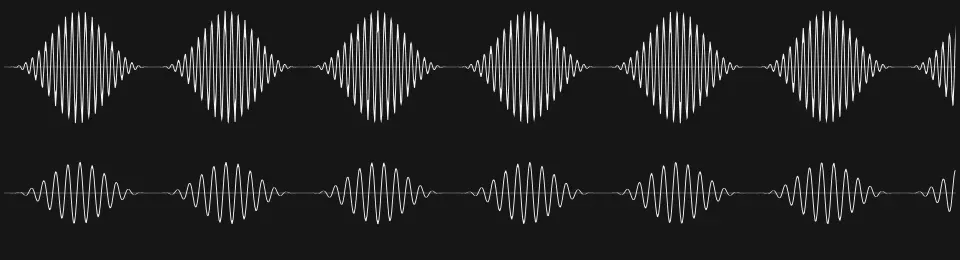
Start with sound
Build your next track
Arrange audio, edit notes, and shape the mix. Bring your instruments and effects into the project.
Sound. Image. A little curiosity.
A workspace for sound and moving images. Shape your project by hand or with an agent.
Download Hypr For Mac with Apple silicon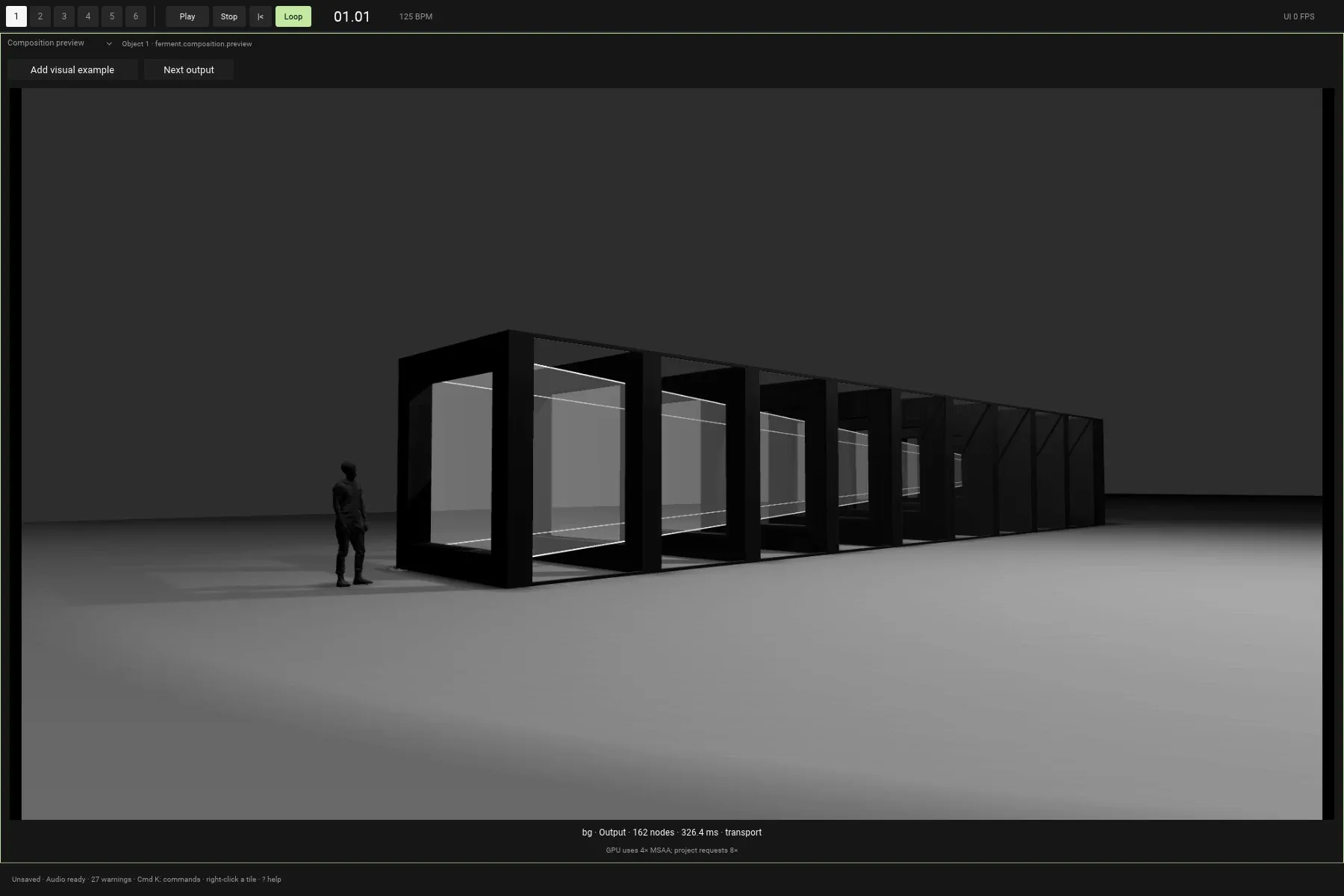
Geometry, materials, light, and image effects come together in the preview.
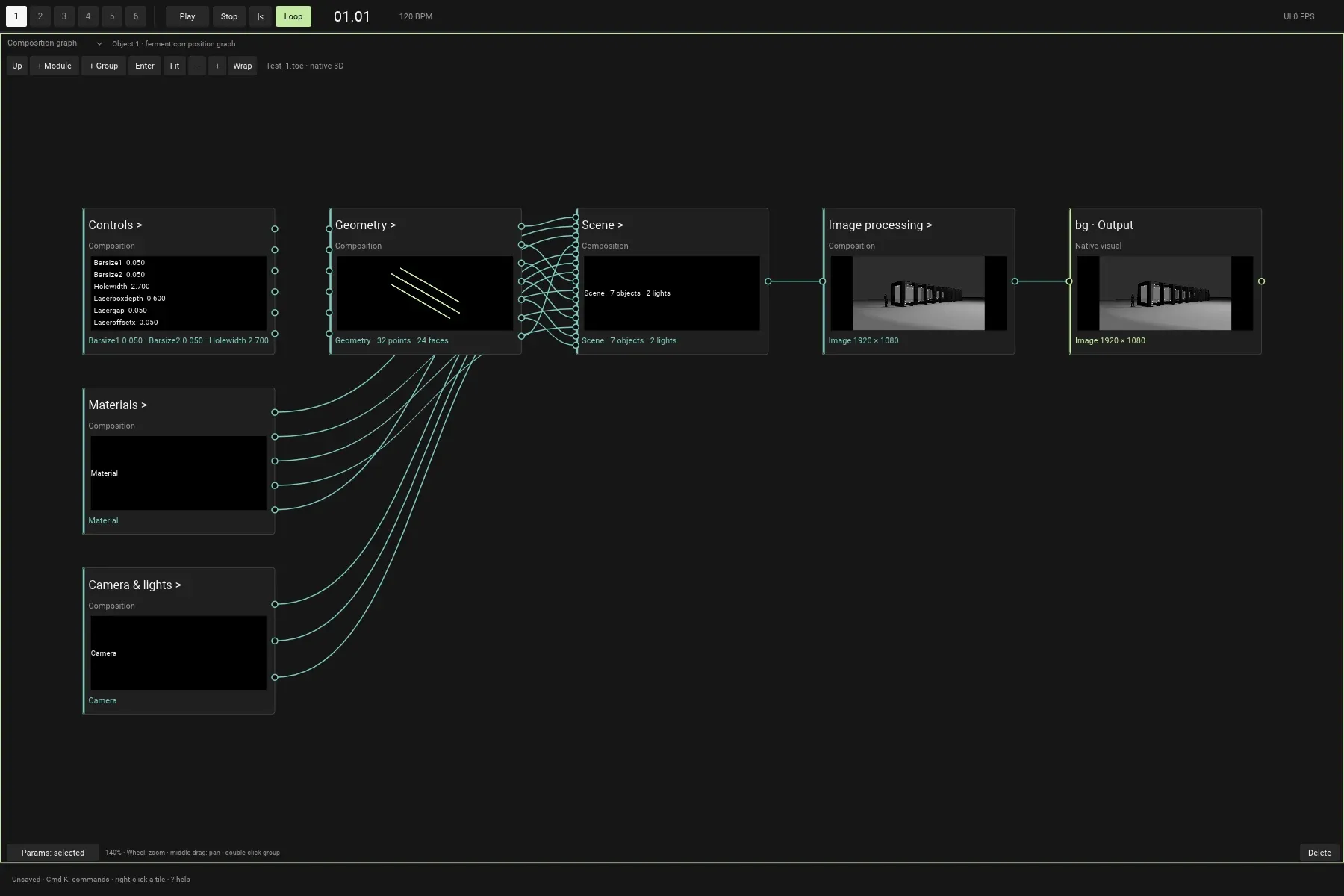
Connect the pieces. Open a group. Change how the whole thing works.
A fluid workspace for music and visuals.
01 / The workspace
A track. A moving image. Something in between. Start where you’re comfortable. Bring the rest in when you need it.
Arrange audio, edit notes, and shape the mix. Bring your instruments and effects into the project.
Connect geometry, light, and effects. Build a visual scene, then bring sound into the same composition.
Ask the agent for a change. Pick up the result, adjust it yourself, and follow the next idea.
02 / Another way in
Tell the agent what you want to change. It works with the project you have open, using the same editing commands as the tools in front of you.
Keep shaping the result. Changes to the composition use the project’s Undo.
About the agentSet the project tempo to 125 BPM.
The agent changes the same tempo you can adjust by hand. Keep editing, or undo the change.
Search my library for a warm, soft synth.
Ask the agent to search your indexed library by description, then choose what belongs in the project.
Lower the bass track by 3 dB.
The agent can change track levels through the same project controls. The result stays yours to adjust.
03 / Make room
Arrange a timeline. Connect a graph. Open the code. Give each part of the process its own view, while everything stays in the same project.
Six workspaces. One project. Switch your view without stopping the music.
Layout illustration04 / Go a little deeper
The small things that let you stay with an idea for a little longer.
Search your media library with words or an example. Find a sound, an image, or a moment inside a video.
Your library, searchable by meaningUse VST3 instruments and effects. Work with their parameters in the Inspector or open the plugin’s own interface.
VST3 · Instruments · EffectsCreate patterns, signals, and geometry with JavaScript, TypeScript, or Python. Shape images with WGSL effects.
Code that lives in the compositionTry the other version. Save a moment worth returning to. Your project has undo, autosave, and named versions.
Local projects · Named versions · UndoStart with either. You can work on a track, build a visual scene, or bring them together. Sound and picture share a project and a transport when you need them to.
You can work with the timeline, graph, and controls without writing code. Code nodes are there when you want to build your own patterns, signals, or effects.
The agent reads your project and can edit supported tools when you enable editing. You can keep working with the result and undo changes to the composition. The current build uses Fireworks and requires your own API key; messages and requested project data are sent to that provider.
Hypr is the desktop workspace for music and visuals. Ferment on mobile is built for editing reels and shorts. They have different interfaces and workflows.
Ferment Hypr
Give it somewhere to go.
macOS · Apple silicon
The installer is not available yet.